
 Image 1 of 3
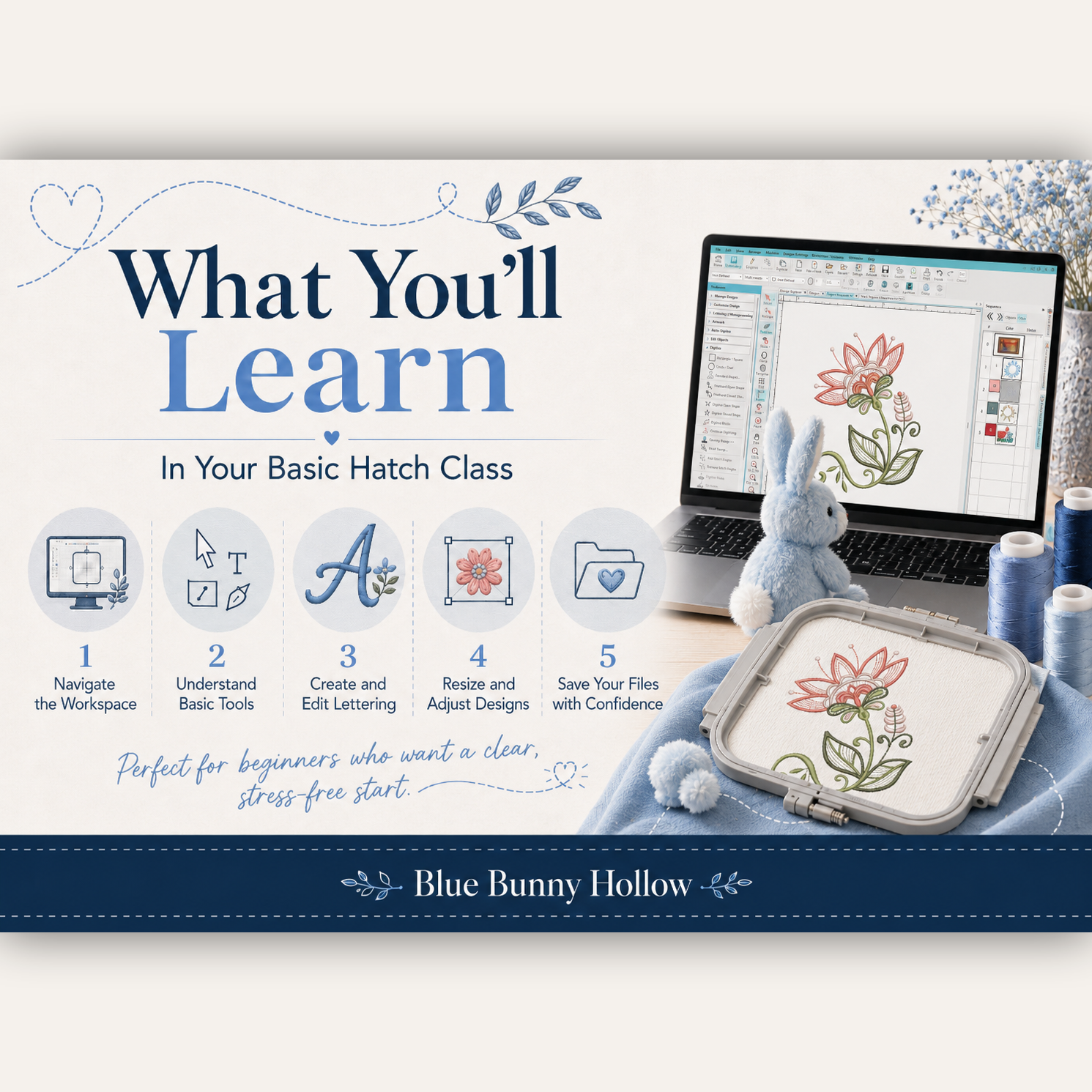 Image 2 of 3
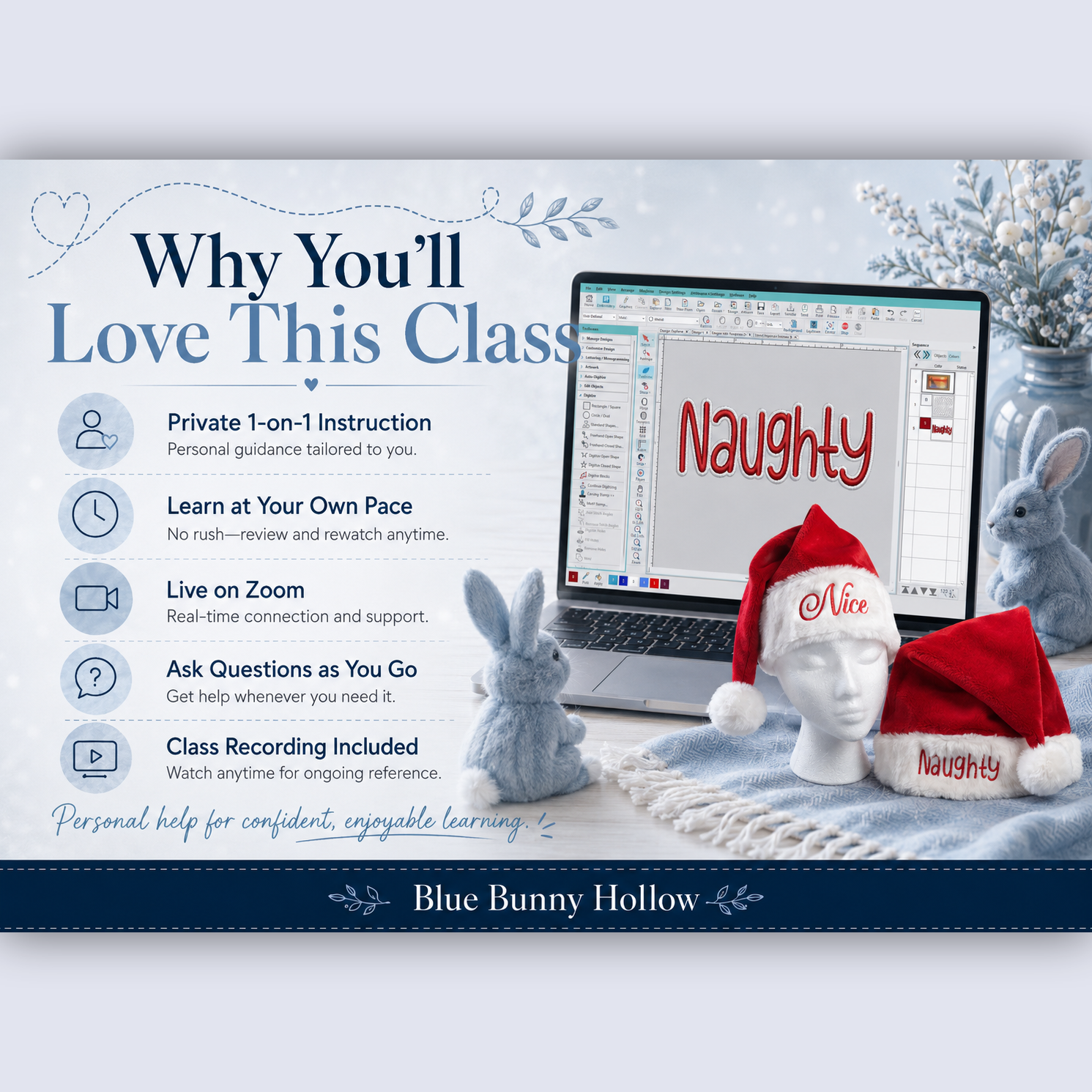 Image 3 of 3
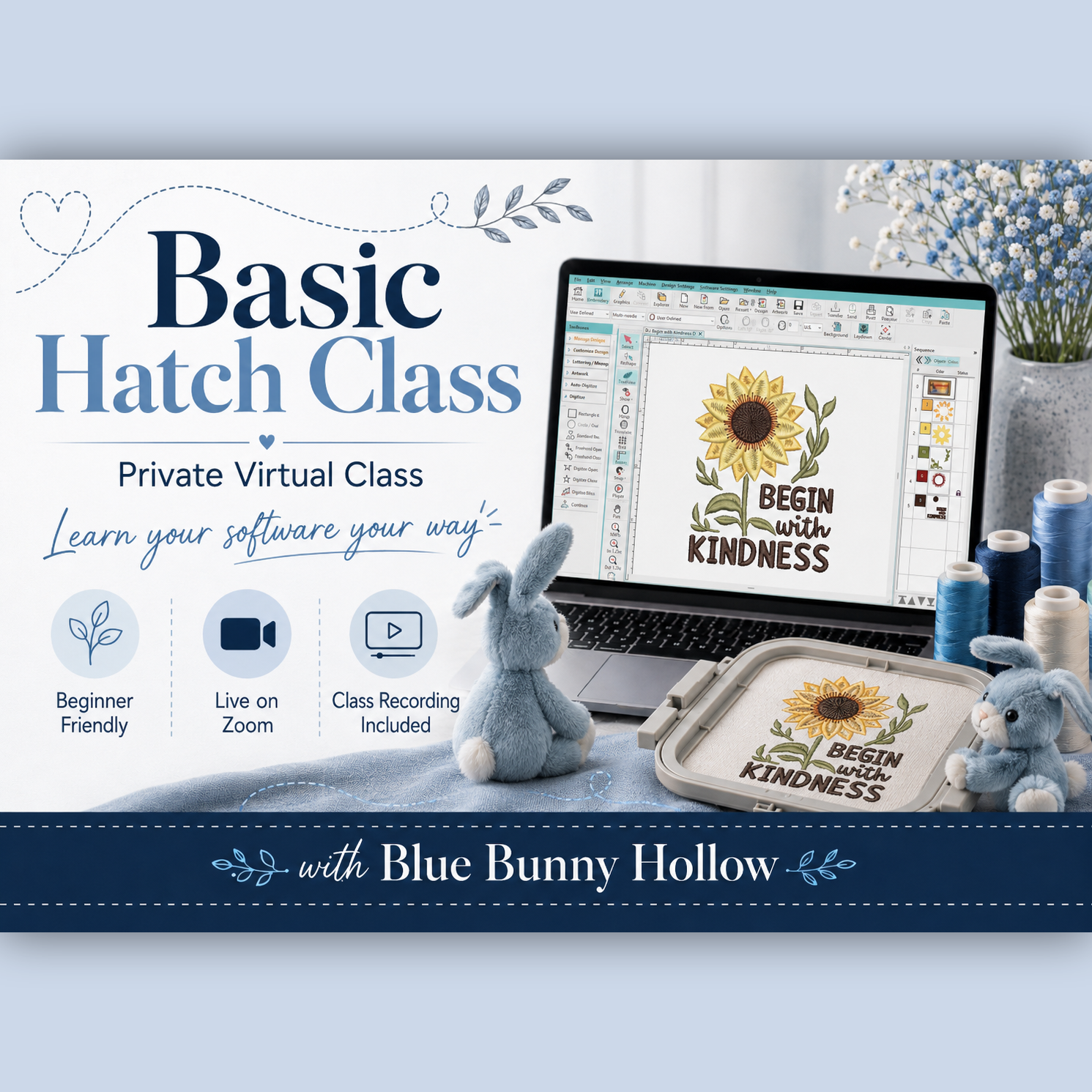
Private Virtual Class — Learn Your Software Your Way
Are you new to Hatch Embroidery Software or feeling unsure about where to begin? This private virtual class will help you become more comfortable using the basic tools and features in Hatch.
Because this is a private, one-on-one class, you can learn at your own pace, ask questions as they come up, and spend more time on the areas where you need the most help.
During the class, we can cover:
Navigating the Hatch workspace
Understanding the most commonly used tools
Opening, selecting, moving, rotating, and resizing designs
Working with lettering
Changing thread colors
Reviewing design information and stitch order
Saving and exporting embroidery files
Helpful tips for organizing and working with your designs
This class is designed for beginners and Hatch users who would like a clearer understanding of the software’s basic features.
Class Details
Private one-on-one instruction
Presented live through Zoom
Approximately 1½ hours
Ask questions throughout the class
Class recording included for your personal reference
Instruction is tailored to your experience and learning needs
After purchasing the class, you will receive an email to arrange a class date and time that works for both of us.
Please have Hatch Embroidery Software installed and working on your computer before the class. A computer with internet access, a microphone, and speakers are required.
Take the frustration out of learning embroidery software and build the confidence to use Hatch more comfortably.
Private Virtual Class — Learn Your Software Your Way
Are you new to Hatch Embroidery Software or feeling unsure about where to begin? This private virtual class will help you become more comfortable using the basic tools and features in Hatch.
Because this is a private, one-on-one class, you can learn at your own pace, ask questions as they come up, and spend more time on the areas where you need the most help.
During the class, we can cover:
Navigating the Hatch workspace
Understanding the most commonly used tools
Opening, selecting, moving, rotating, and resizing designs
Working with lettering
Changing thread colors
Reviewing design information and stitch order
Saving and exporting embroidery files
Helpful tips for organizing and working with your designs
This class is designed for beginners and Hatch users who would like a clearer understanding of the software’s basic features.
Class Details
Private one-on-one instruction
Presented live through Zoom
Approximately 1½ hours
Ask questions throughout the class
Class recording included for your personal reference
Instruction is tailored to your experience and learning needs
After purchasing the class, you will receive an email to arrange a class date and time that works for both of us.
Please have Hatch Embroidery Software installed and working on your computer before the class. A computer with internet access, a microphone, and speakers are required.
Take the frustration out of learning embroidery software and build the confidence to use Hatch more comfortably.